

Quick recommendation
Choose SoundShare when the goal is recurring, everyday listening with AirPods or Bluetooth headphones and you value separate volume controls, device status, and automatic setup. A manual Multi-Output Device remains relevant to technically experienced users working with fixed wired or studio hardware who do not need SoundShare's workflow.
Feature-by-feature comparison
| Need | SoundShare | Manual Multi-Output Device |
|---|---|---|
| Primary purpose | Everyday shared listening | General audio-device configuration |
| Setup | Select outputs in one focused app | Build and maintain a technical device object |
| Individual volume | Per-device controls in the app | Limited, device-dependent controls |
| Battery visibility | Shown when a device reports it | Not part of the audio configuration view |
| Drift handling | Managed for selected outputs | Configured manually per device |
| Changing headphones | Choose the current outputs | May require editing or rebuilding configuration |
| Cleanup | Temporary route removed after use | Configuration remains until manually changed |
| Installation | Mac App Store menu-bar app | Included macOS utility |
| Privacy | No account; no listening-history collection | Local macOS configuration |
| Price | 30-minute trial; $6.99 US lifetime | Included with macOS |
Where SoundShare earns its place
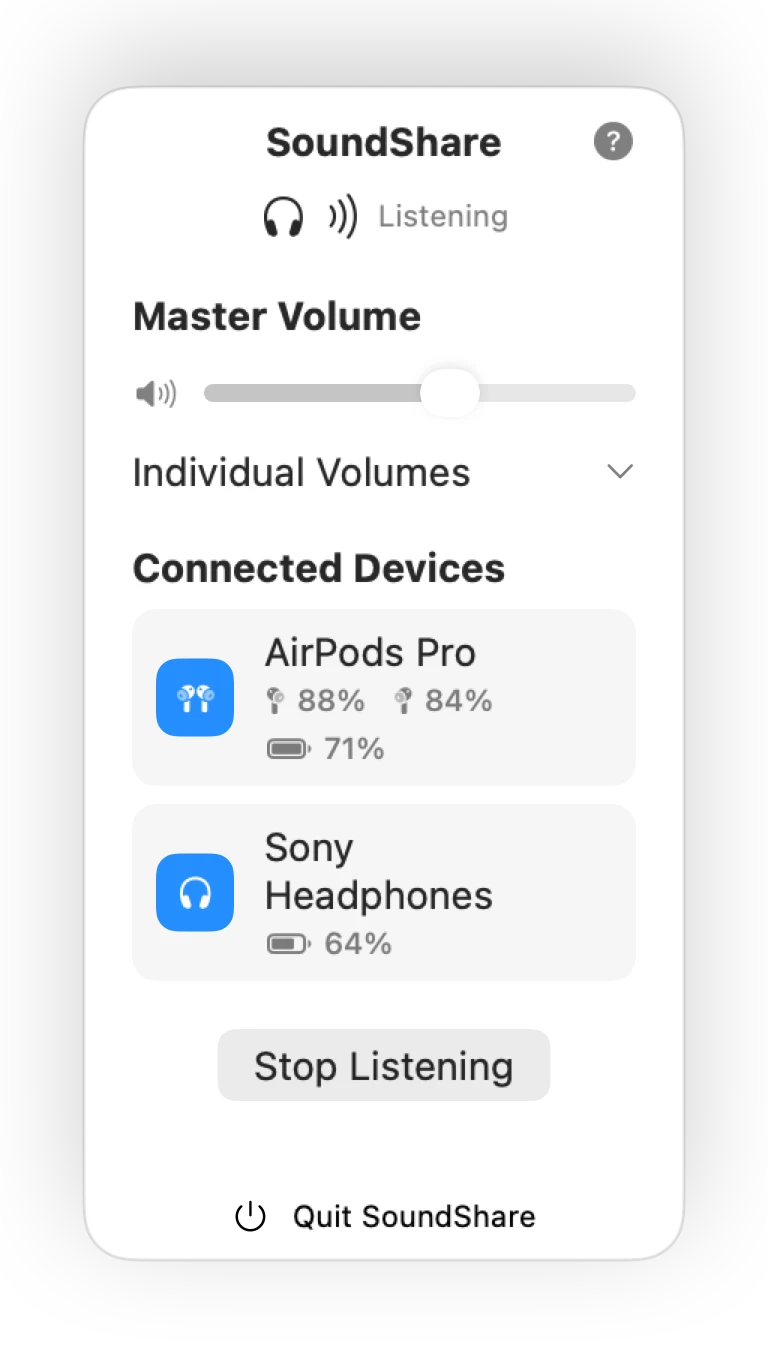
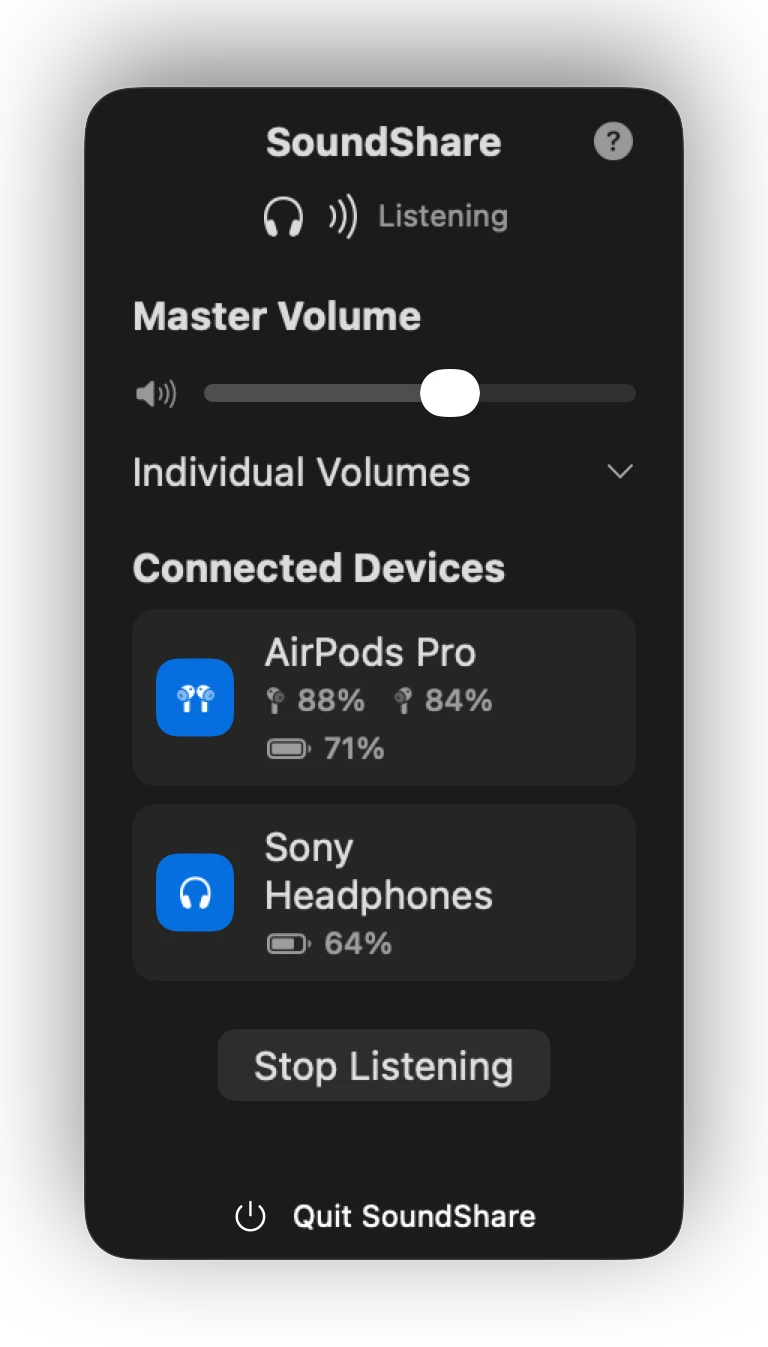
The value is not that macOS is incapable of multi-device audio. It is that SoundShare turns the capability into a product: the current outputs are visible, each listener has a control, device information is close by, and the temporary route follows the listening session instead of becoming another system configuration to maintain.
Where SoundShare is not the right tool
SoundShare is not intended for recording studios, microphone aggregation, or elaborate virtual audio routing. If the setup is permanent, wired, and managed by an audio engineer, a low-level macOS configuration or professional routing tool may be more appropriate. For two people opening a MacBook to watch something together, SoundShare is the focused option.