
The practical answer
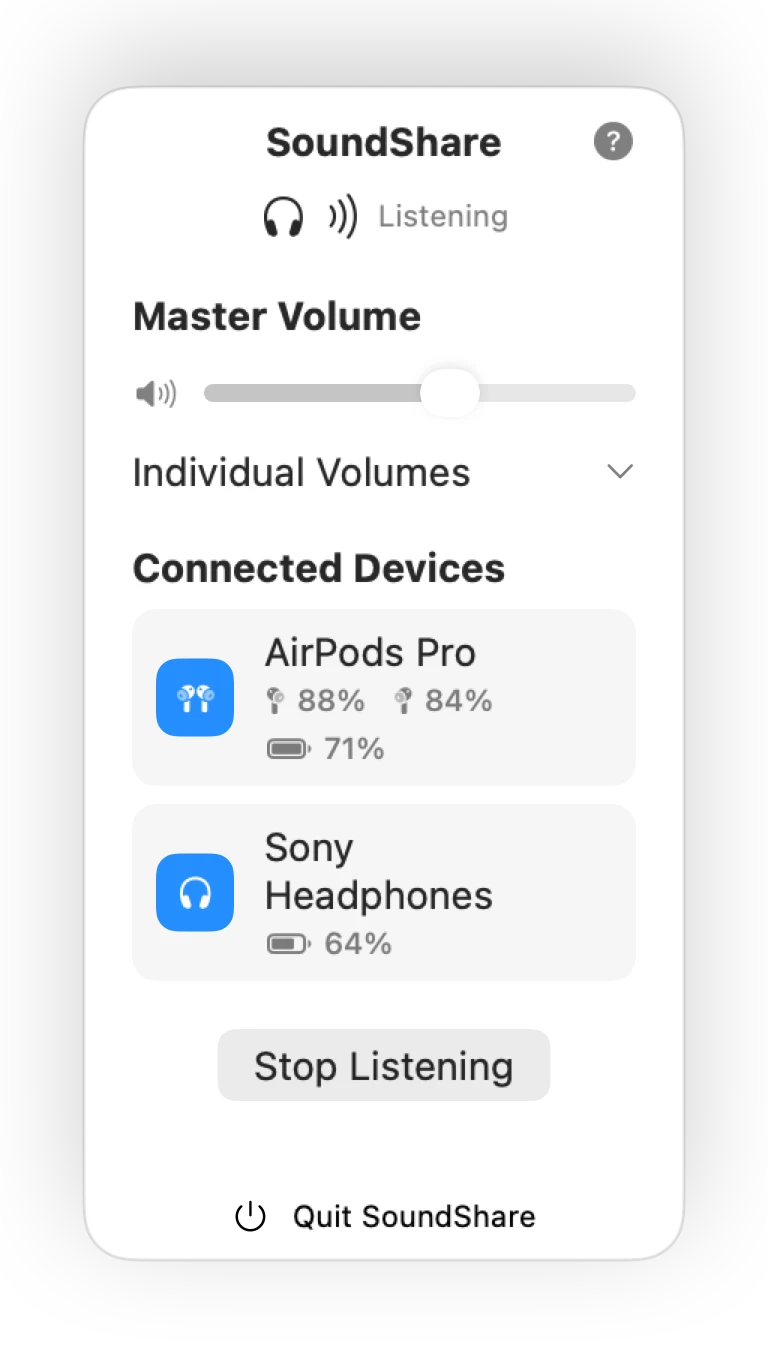
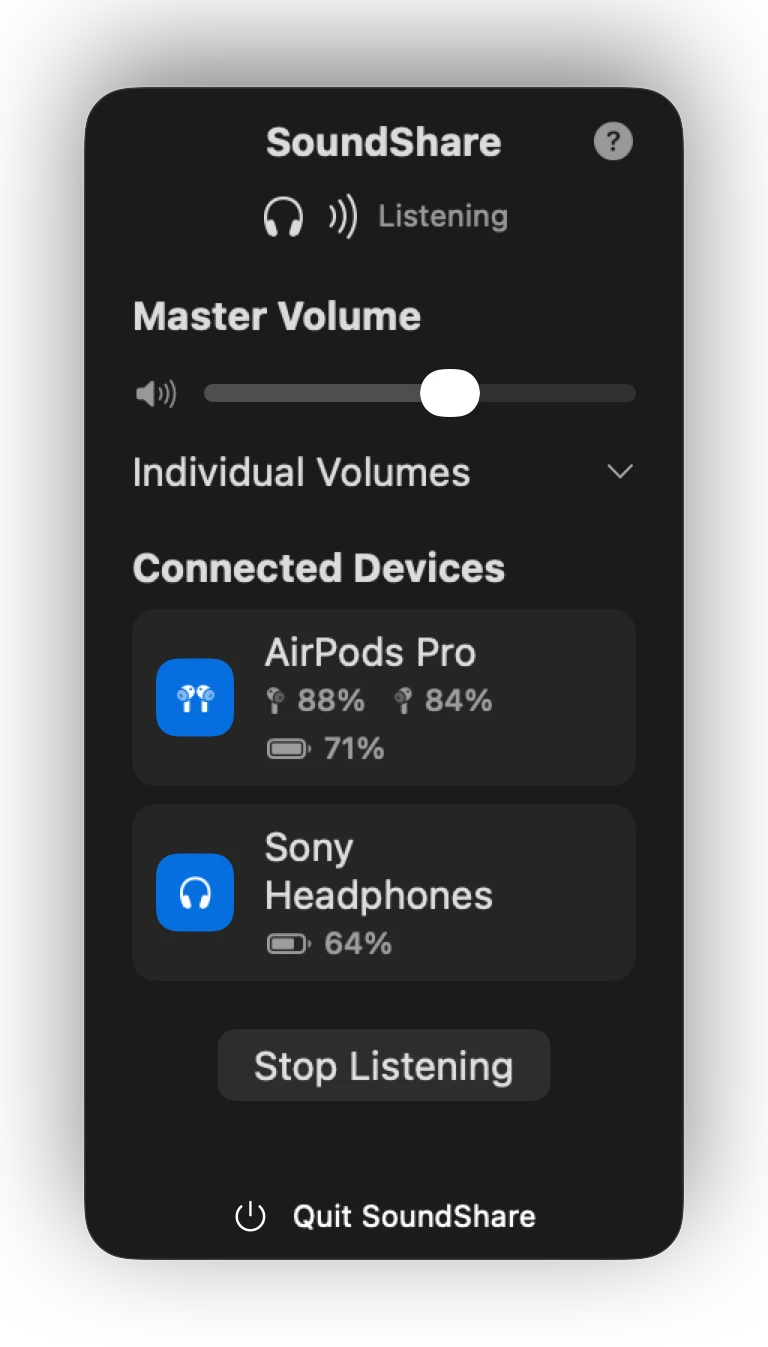
A Mac can remember several Bluetooth devices, but its normal Sound menu expects one output at a time. SoundShare is built for the moment when two people want to hear the same Mac: choose the connected outputs, start the session, and control each listener separately.
How to share Mac audio
- Connect each AirPods set or Bluetooth headphone in macOS Bluetooth settings.
- Open SoundShare and select the outputs for the listening session.
- Start sharing, then play the movie, music, podcast, or browser audio.
- Use SoundShare's per-device sliders to balance the volume.
SoundShare lives in the menu bar, so the controls remain close without taking over your screen. When you stop sharing, it cleans up the temporary audio route it created.
When Mac audio sharing is useful
A film on one MacBook
Two people listen on their own headphones without using the speakers.
Travel
Share music or a downloaded show in a plane, train, hotel, or waiting area.
Late-night listening
Keep the room quiet while both listeners hear the same audio.
Reviewing media
Let a friend or collaborator hear the same edit without passing headphones around.
What the app does—and does not do
| SoundShare does | SoundShare does not |
|---|---|
| Route Mac output to selected devices | Route or combine microphones |
| Give each output a volume control | Remove all inherent Bluetooth latency |
| Apply CoreAudio drift compensation | Guarantee every possible device combination |
| Show battery when devices report it | Require a SoundShare account |
Why SoundShare instead of a manual audio route?
macOS includes technical audio utilities, but they are organized around device configuration rather than two people listening together. SoundShare puts device selection, sync status, battery information, and separate volume controls in one focused interface—and recreates the route for you the next time you need it.
Choose the guide for your setup
Two AirPods
Follow the complete SoundShare workflow for two pairs on one Mac.
Mixed headphones
Understand device discovery, formats, and mixed-model limitations.
How multi-device output works
Read the product-level CoreAudio and cleanup explanation.
SoundShare or a manual configuration
Compare repeat setup, volume, battery, privacy, cleanup, and cost.