

Why one Mac normally means one selected output
In System Settings, choosing headphones replaces the previous sound output. That model is sensible for one listener, but it does not solve a movie night or travel setup where two people have their own headphones. SoundShare manages the multi-device route behind a purpose-built shared-listening interface.
The SoundShare workflow
- Connect the headphones or speakers to the Mac.
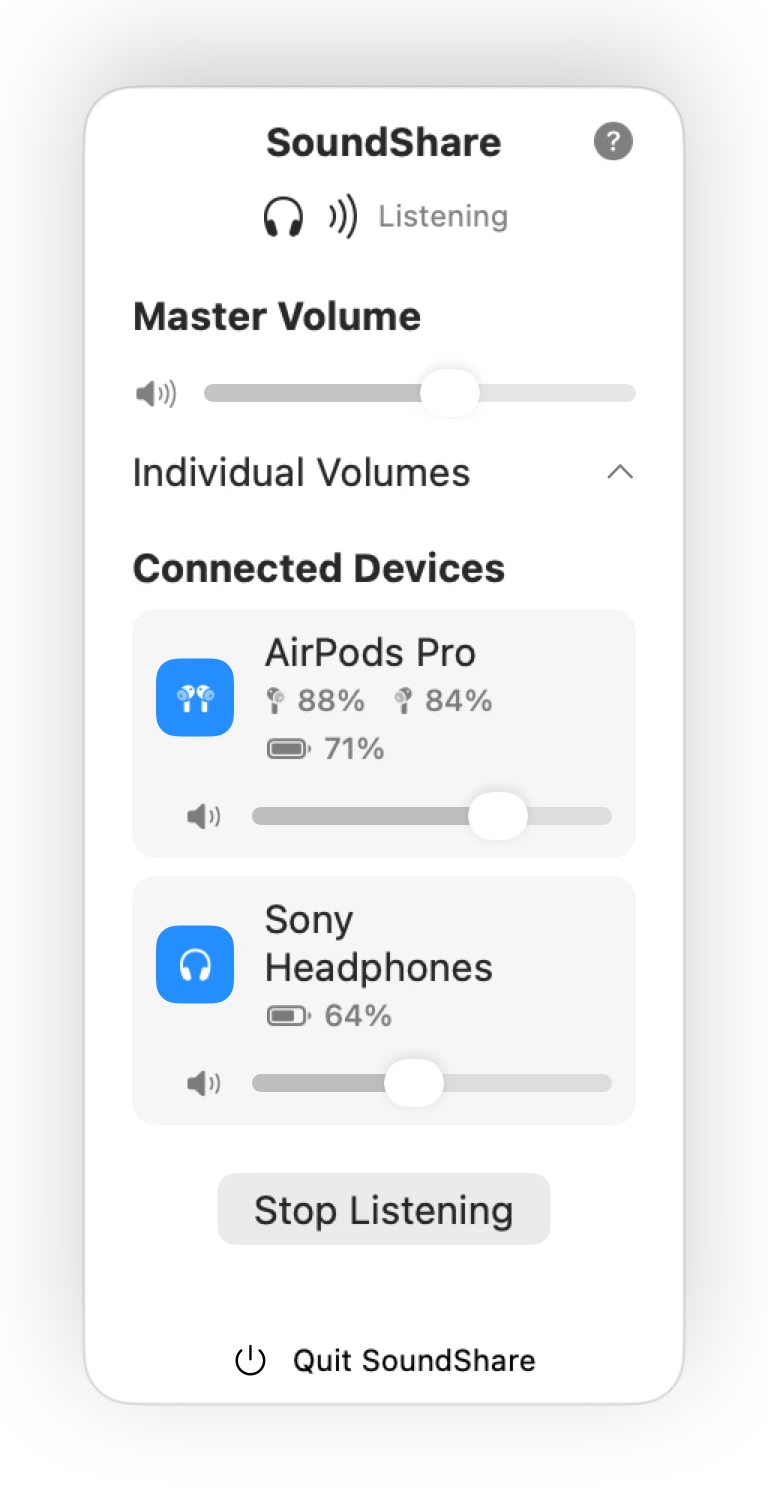
- Open SoundShare from the menu bar and select the available outputs.
- Start sharing and play audio from the Mac.
- Balance each output with its own volume slider.
The app configures the shared output for the current devices and removes the temporary route when the session ends. You do not have to rebuild that configuration by hand every time the device list changes.
What happens behind the interface?
Discover
SoundShare reads the output devices currently exposed by macOS.
Route
It creates a shared CoreAudio output from the compatible devices you select.
Maintain
Drift compensation helps device clocks stay aligned during playback.
Shared listening is different from studio routing
SoundShare intentionally has a smaller job than a professional mixer or virtual-audio system. It does not combine microphones or build complex signal chains. Its job is to make everyday Mac output—films, music, podcasts, and browser media—available to more than one compatible listening device without exposing the technical setup.
Set expectations for Bluetooth
Every Bluetooth output adds some hardware delay, and different models may buffer sound for different lengths of time. SoundShare compensates for ongoing clock drift, but cannot erase a device's built-in latency. For the closest perceived sync, use similar models and keep the wireless path clear.
Common SoundShare failure states
- A selected output disappeared
- Reconnect it in Bluetooth settings, stop the current session, and reopen SoundShare so the CoreAudio device list refreshes.
- The devices have no common format
- Stop apps using a headset microphone, reconnect the outputs, and try again. Mixed models may expose incompatible sample rates.
- A session was interrupted
- Reopen SoundShare. Launch recovery restores an available normal output and removes a leftover SoundShare route before a new session begins.
- One device has no volume or battery value
- Those controls appear only when the device and macOS expose the corresponding property; SoundShare does not invent unavailable hardware data.