

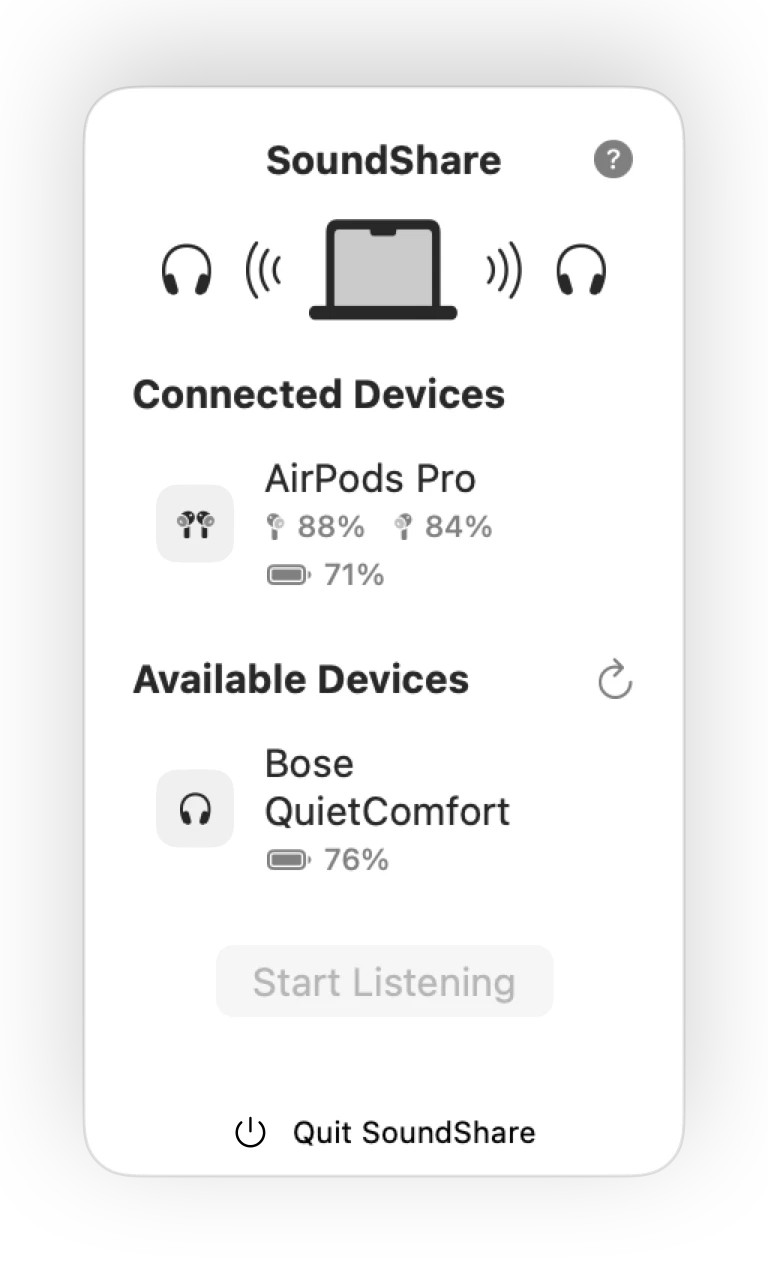
Connect the headphones first, then select them in SoundShare
- Pair every headphone with the Mac in System Settings → Bluetooth.
- Make sure each device says “Connected” and is not actively attached to another nearby device.
- Open SoundShare and select the outputs you want to hear.
- Start the session and set a comfortable volume for each device.
The macOS connection is the prerequisite; SoundShare is the layer that makes those outputs useful together for a film, song, podcast, or browser video.
What determines compatibility?
SoundShare asks CoreAudio for the output devices and formats that macOS currently exposes. A combination is most likely to work when every device stays connected and supports a compatible sample rate. That is more accurate than promising a brand list: firmware, macOS, and even the active Bluetooth profile can change what a device reports.
Mixed models versus matching models
You can try mixed devices, but each Bluetooth model has its own buffering and inherent latency. SoundShare uses drift compensation so their clocks do not gradually separate. Matching or similar models may still feel closer because their built-in delays are more alike from the start.
Improve stability before a long session
- Charge every headphone and keep it close to the Mac.
- Disconnect headphones from phones or tablets that may reclaim the connection.
- Turn off Bluetooth accessories you do not need if the wireless environment is crowded.
- Connect all outputs before opening or restarting SoundShare.
- Set individual volume in SoundShare instead of repeatedly changing the system output.
Troubleshooting a device that drops out
Stop the SoundShare session, reconnect the missing device in Bluetooth settings, and then reopen the app so it can refresh the current CoreAudio device list. If the same combination fails repeatedly, test each device separately; that distinguishes a connection problem from an incompatible multi-device format.