

The product problem is repeated configuration
Shared listening is not only a question of whether macOS can address several outputs. The product problem is making a changing set of Bluetooth devices predictable every time two people sit down to listen. SoundShare therefore treats the shared route as a temporary session, not a permanent audio object the user has to maintain.
The app first works from the output devices macOS currently exposes. A headphone that is merely remembered by Bluetooth is not enough: it must resolve to a live CoreAudio output before SoundShare can include it.
1. Resolve the exact outputs selected by the listener
Device names are useful in the interface but are not reliable identifiers. SoundShare resolves each selected item to a CoreAudio device identifier and rejects the session when a choice has disappeared or resolves twice. This prevents the app from quietly starting with fewer listeners than the user selected.
2. Find one sample rate every output can support
SoundShare reads the current clock device rate and the available rate ranges for every selected output. It prefers the current rate, then checks common 48 kHz and 44.1 kHz candidates. The first candidate supported by all outputs becomes the session rate.
If there is no common value—or a device refuses the selected value—the app reports an incompatible-format problem instead of creating a partially working route. This is why a headset changing into a call-oriented microphone profile can affect a shared session.
3. Use one clock and compensate for the others
The first selected output becomes the clock source. SoundShare enables high-quality drift compensation for the remaining outputs. That corrects the gradual separation caused by independent device clocks. It is intentionally described as drift compensation—not “zero latency”—because each Bluetooth model can still add a different fixed buffer delay.
4. Preserve individual control where the device allows it
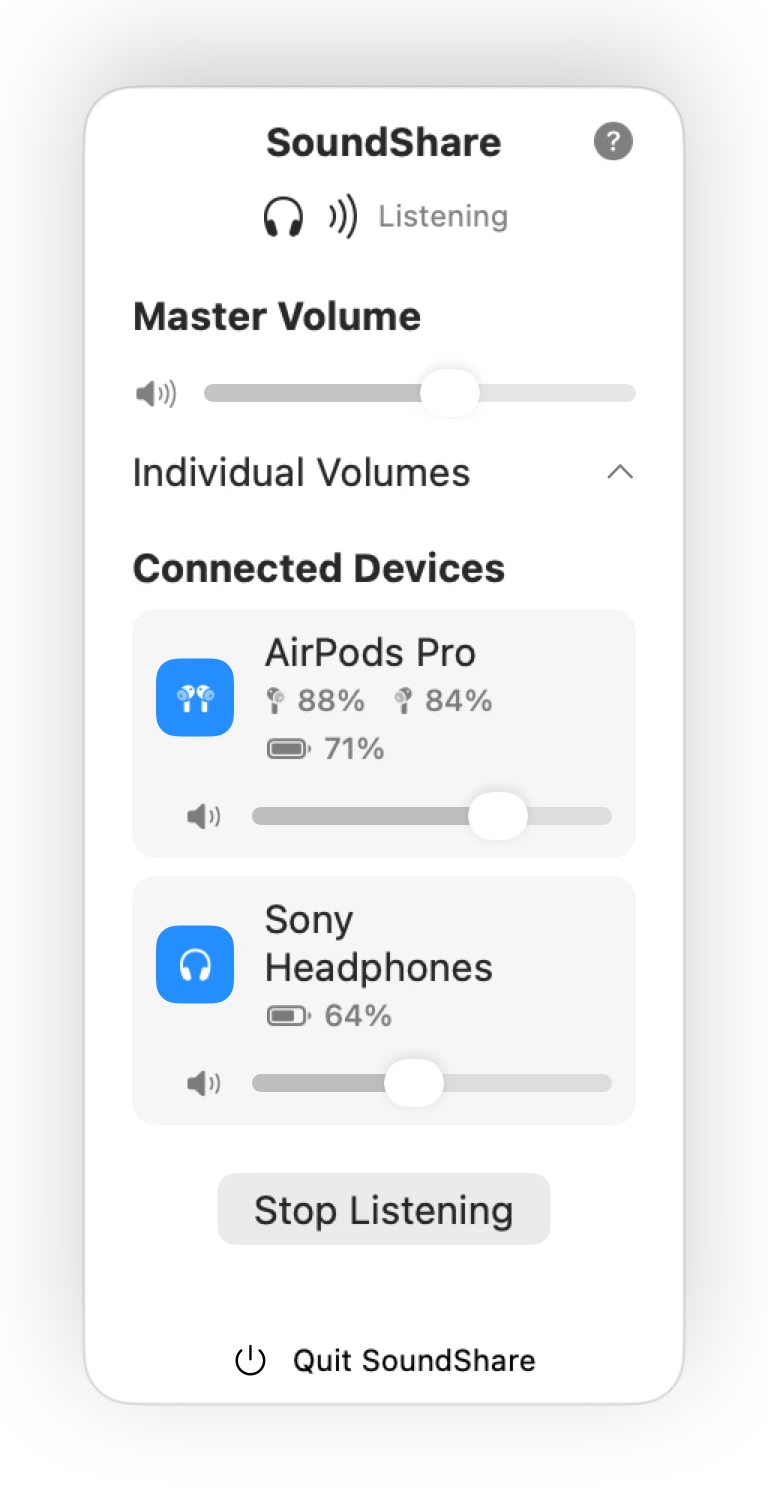
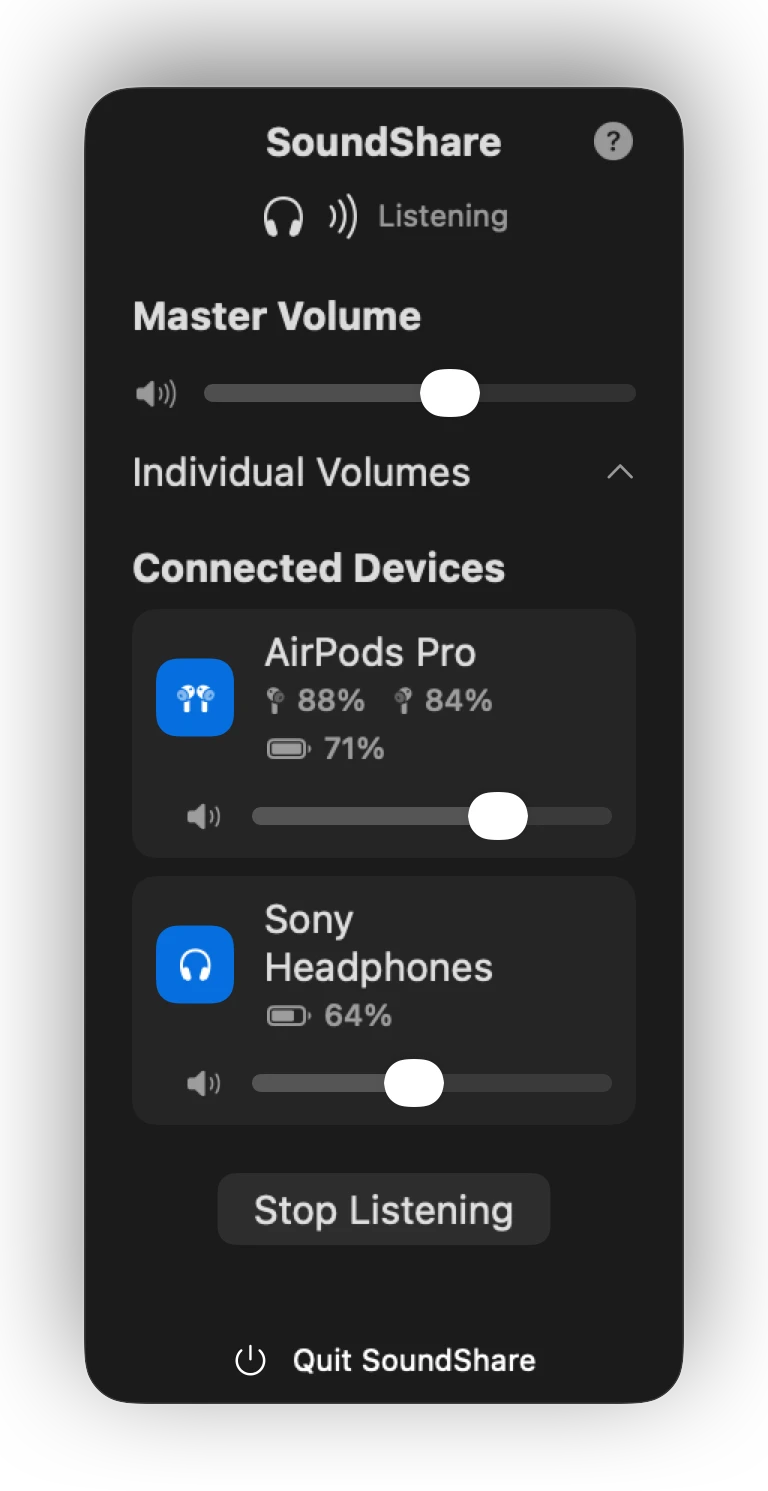
The shared route carries the same Mac output to every selected listener, while SoundShare addresses each device's software volume property separately. A volume slider only works where the device and macOS expose software volume control; the interface does not claim to override hardware that withholds it.
Battery status follows the same rule. SoundShare displays left, right, case, or combined values when the Bluetooth device reports them and leaves the information absent when it does not.
5. Make cleanup part of correctness
Before switching the system output, SoundShare stores the previous output's stable UID. When listening stops, it looks for that device, falls back to another live non-SoundShare output when necessary, restores the system destination, destroys the temporary route, and clears recovery state.
The same cleanup runs before a new session and after an interrupted one. This matters because a menu-bar utility should leave the Mac usable even if a headphone disconnects or the app closes between sessions.
What these decisions do not promise
- They do not make every Bluetooth model expose a compatible format.
- They do not remove fixed codec and hardware latency.
- They do not aggregate microphones or create studio signal chains.
- They do not make unreported battery or volume properties available.
Those boundaries are part of the product: SoundShare focuses on repeat shared listening, surfaces a useful error when the current devices cannot form a session, and restores the Mac's previous output when the session is over.